Backup Managed Server: Setting Up Secure Backups for Your Managed Server
A secure backup for your managed server protects your data from loss and downtime. We show you how to plan and implement backups correctly.
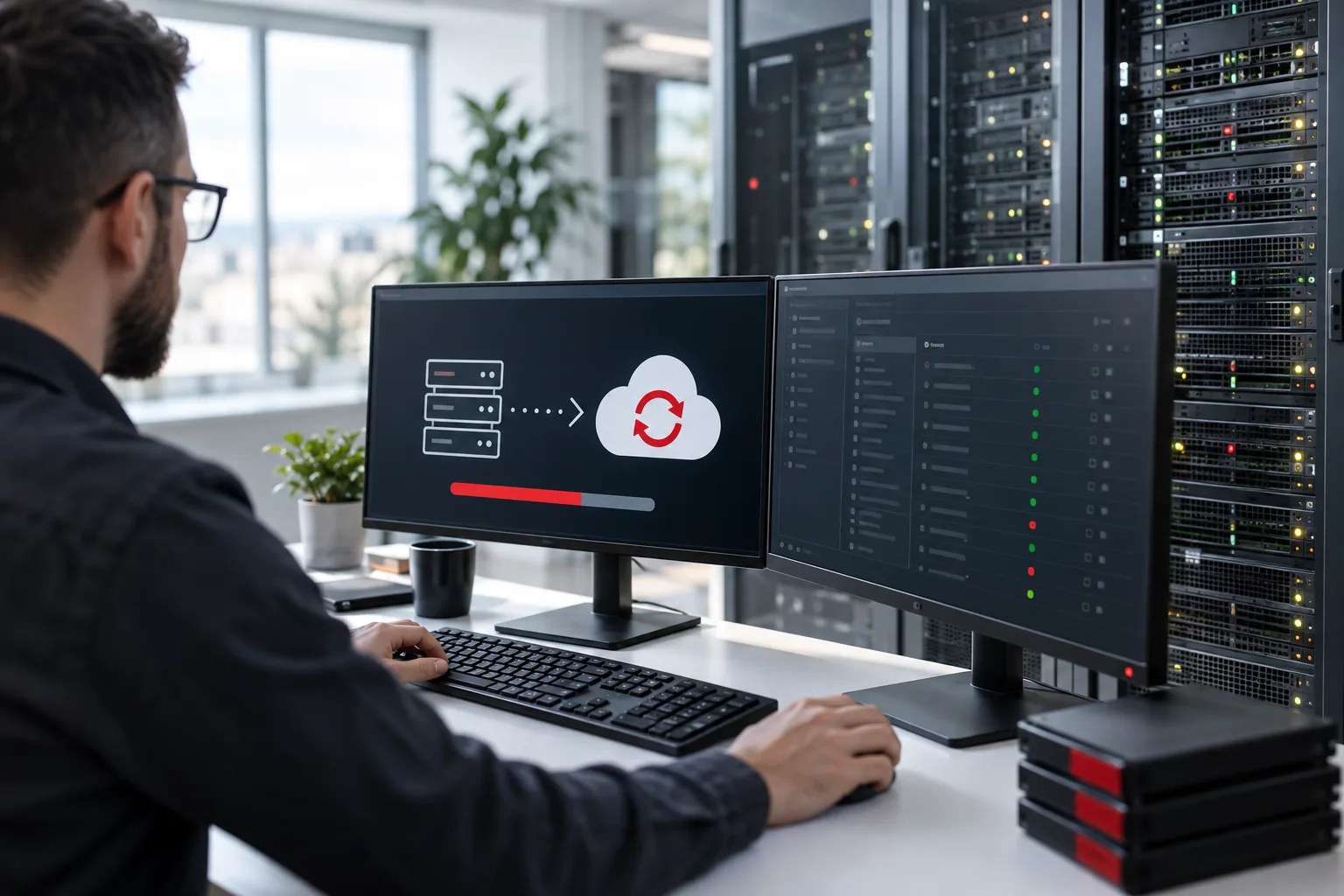 AI-generated image
In short: A secure backup for your managed server reliably protects your data from loss due to failures, errors, or attacks. Schedule regular automatic backups, store them in safe locations, and regularly test recovery to avoid data loss.
- Automate regular backups
- Combine backup methods and storage locations
- Follow security measures for backup data
- Regularly verify recovery processes
- Use MYPOINT managed servers with backup service
What does backup managed server mean and why is it important?
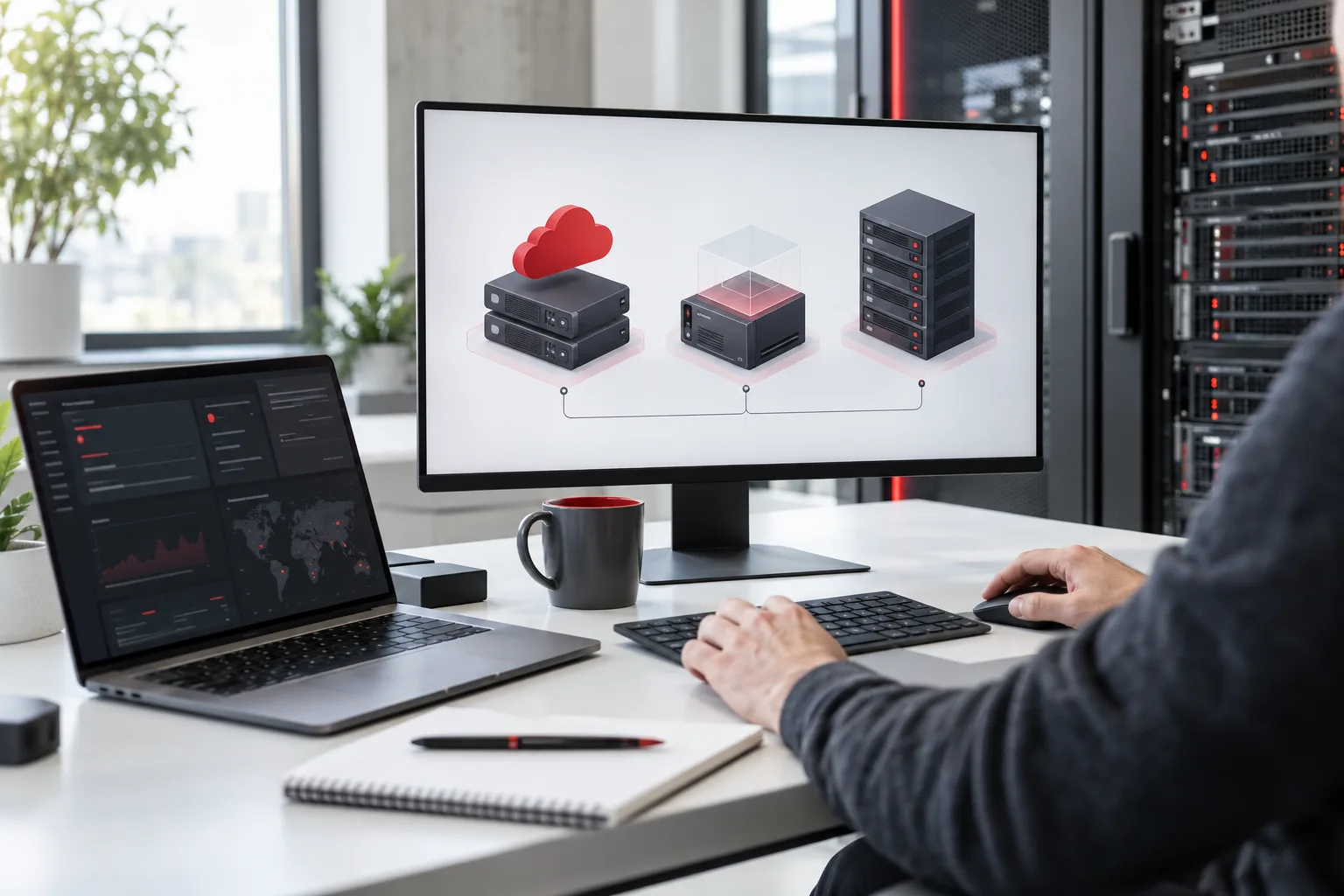
A "backup managed server" refers to the data backup of a managed server, meaning a server whose operation and maintenance are handled by a service provider. Despite this support, users should understand and supplement their own backup strategies to prevent data loss from errors, attacks, or technical issues. Backups are the last line of defense when data is corrupted or deleted.
How do I plan a secure backup for my managed server?
Backup planning should include the following points:
- Define backup goals: Which data is critical? Website, databases, configurations?
- Set backup frequency: Daily, weekly, or as needed?
- Choose storage locations: Local, external, or cloud storage (ideally geo-redundant).
- Use automation: Set up automatic backups regardless of the provider.
- Test recovery: Regular trial runs ensure backup functionality.
Which backup methods are suitable for managed servers?
There are various backup methods that can be combined depending on requirements:
- Full backup: Backs up all data completely – takes longer and requires more storage.
- Incremental backup: Backs up only changes since the last backup – fast and storage-efficient.
- Differential backup: Backs up all changes since the last full backup – a compromise between full and incremental.
Managed servers often use a combination, e.g., weekly full backups with daily incremental backups.
Which storage locations are suitable for backups?
The choice of storage location is crucial for backup security:
- Local backups: On a separate physical drive at the server or office – fast but vulnerable to fire or theft.
- External storage: NAS, external hard drives – suitable for small businesses.
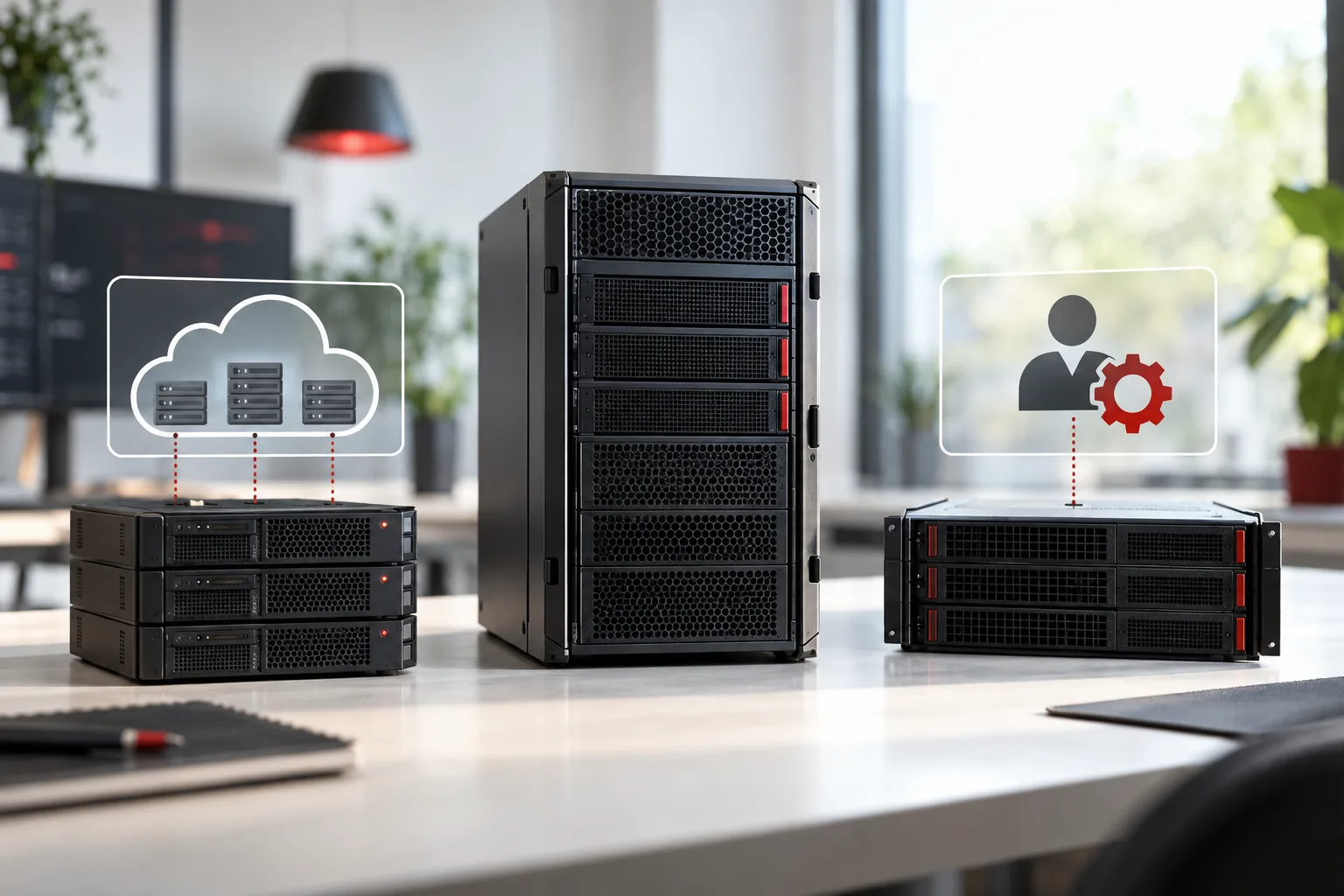
- Cloud backups: External cloud services offer redundancy and fail-safety, ideal for managed servers with US-based servers.
How do I set up a backup on a managed server at MYPOINT?
MYPOINT offers managed servers with daily backup functionality and professional monitoring. Here’s how to set up a secure backup:
- Choose a managed server that fits your needs, e.g., Managed Server S or Managed Server M.
- Use the integrated backup solution that creates automatic daily backups.
- Additionally, store important data externally, e.g., in a cloud or locally, to ensure redundancy.
- Regularly test backup recovery via the DirectAdmin admin panel.
- Contact MYPOINT support for assistance with individual backup requirements.
What security measures are important for backups?
Backups often contain sensitive data and must be protected. Pay attention to:
- Encryption: Data should be encrypted during transfer and storage.
- Access control: Only authorized personnel should access backup data.
- Version control: Keep old versions to restore accidentally deleted or altered data.
- Regular updates: Keep backup software and servers up to date to avoid security vulnerabilities.
Backup Managed Server Comparison: Methods and Storage Options
| Backup Method | Advantages | Disadvantages | Recommended Use |
|---|---|---|---|
| Full Backup | Complete backup, easy to restore | Requires lots of storage, takes longer | Weekly or monthly as a base |
| Incremental Backup | Fast, storage-efficient | More complex restoration | Daily to supplement full backups |
| Differential Backup | Balance between full and incremental | More storage than incremental | Every few days as an intermediate solution |
| Local Storage | Fast access, control | Risk from physical damage | In addition to cloud backups |
| Cloud Backup | High reliability, geo-redundant | Dependence on provider, data privacy considerations | Ideal for managed server backups |
With a managed server from MYPOINT, you benefit from professional backup services and can add further backup strategies if desired.
Conclusion
A secure backup for your managed server is essential to prevent data loss and ensure operational continuity. Plan regular, automated backups, store them securely, and test recovery. MYPOINT managed servers provide a reliable foundation with daily backups and professional monitoring. Learn more about suitable managed server offers at /hosting and protect your data long-term.
Frequently asked questions
How often should backups be created on a managed server?
Can I automate backups myself?
Are cloud backups secure for managed servers?
What happens if my backup is corrupted?
Can MYPOINT assist with backup setup?
How do I properly test backup recovery?
BackupManaged ServerData BackupServer SecurityMYPOINTWeb Hosting