Create an Email Address with Your Own Domain – Easy Guide
An email address with your own domain builds trust and professionalism for freelancers and associations. Discover how to set up your domain and email.
 AI-generated image
In short: You create an email address with your own domain by first purchasing a suitable domain and then subscribing to a hosting package with email functionality. This gives you a professional, personalized address that builds trust with customers and partners.
- Buy a domain as the first step
- Choose suitable web hosting with email features
- Set up email addresses in the hosting control panel
- Use email clients or webmail
- Benefits: professional appearance and better control
Why create an email address with your own domain?
An email address with your own domain looks more professional than free provider addresses and strengthens your brand. Customers immediately recognize that you are a serious business or association. Additionally, you retain full control over your email addresses and can manage them flexibly.
How do I buy a domain for my email address?
Purchasing a domain is the first step. You select a suitable name that fits your business or association. At MYPOINT, you can acquire various domain extensions such as .de, .com, or .net. After registration, the domain belongs to you and can be used for your email and website.
Which hosting packages offer email addresses with your own domain?
To operate your email address with your own domain, you need hosting with email functionality. MYPOINT offers various packages tailored to your project’s size and needs:
| Hosting Package | Monthly Price | Email Addresses | Storage | Support |
|---|---|---|---|---|
| Hosting Basic | 7,99 € | 5 | 1 GB | Email 24/7 |
| Hosting Classic | 14,99 € | 20 | 5 GB | Phone 24/7 |
| Hosting Premium | 25,99 € | 30 | 10 GB | Phone 24/7 |
| Hosting Platin | 45,99 € | 100 | 20 GB | Phone 24/7 |
How do I set up my email address with my own domain?
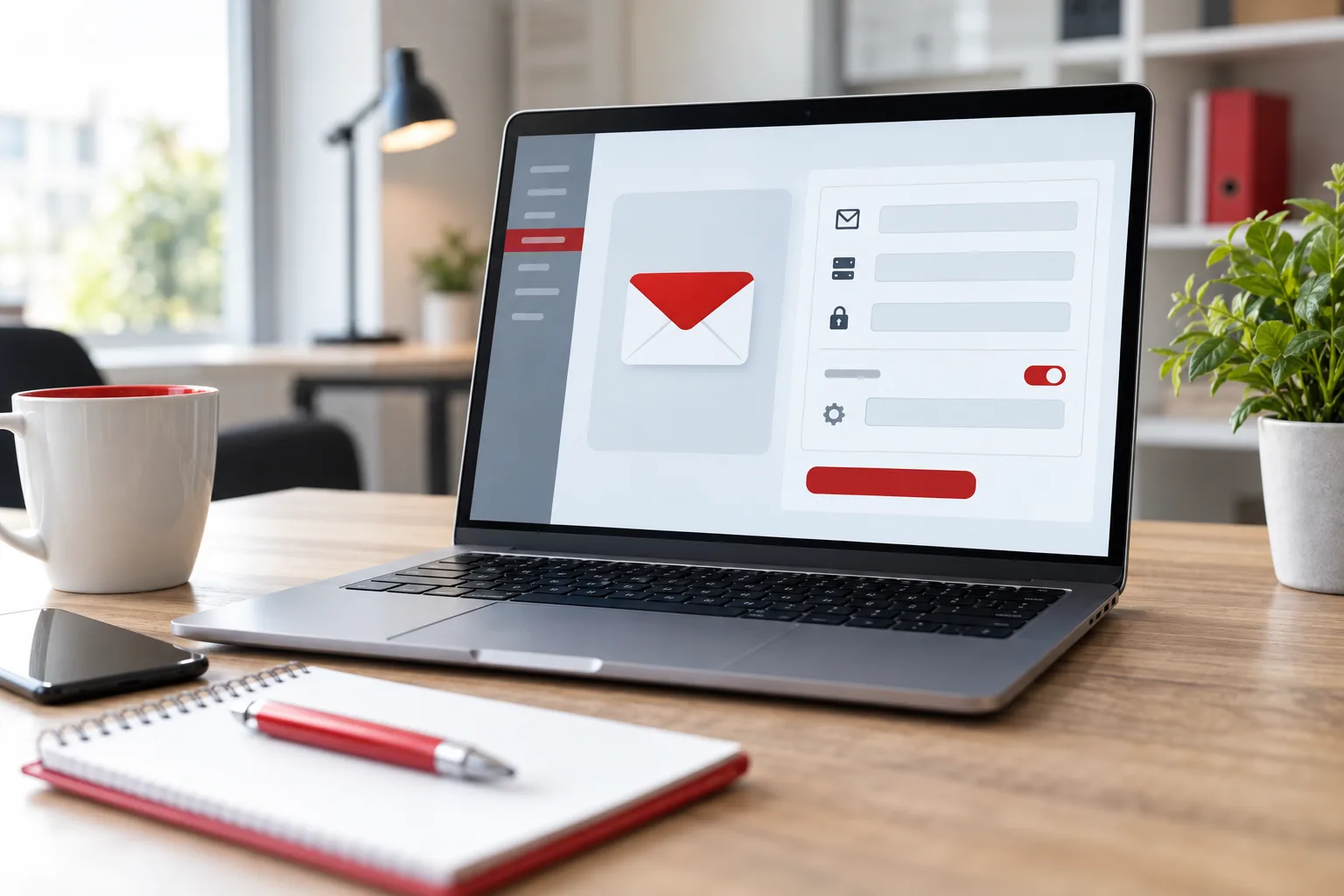
After purchasing your domain and booking hosting, log in to the customer area and create your email addresses. The usual format is name@yourdomain.com. Then configure your email client (e.g., Outlook, Thunderbird) with the login details or use webmail. The main protocols are IMAP or POP3 for receiving and SMTP for sending emails.
What are the advantages of having your own email address compared to free providers?
- Professional appearance: Customers immediately recognize your brand.
- Trust and security: Less spam and phishing risks.
- Flexibility: Manage multiple addresses, e.g., info@, contact@, or firstname.lastname@.
- Independence: No loss of address when changing providers.
What does an email address with my own domain cost?
The costs consist of the domain fee and hosting. A .de domain costs 14,01 € per year at MYPOINT. The cheapest hosting package with 5 email addresses starts at 7,99 € per month. Prices vary depending on scope and support. See the hosting offers for an overview.
Checklist: How to create your email address with your own domain
- Choose and purchase a domain at MYPOINT (Buy Domain).
- Select a suitable hosting package with email functionality (Hosting).
- Connect your domain with hosting (check DNS settings).
- Create your email address in the hosting control panel.
- Configure your email client or webmail.
- Test sending and receiving emails.
Which technical terms should I know?
| Term | Explanation |
|---|---|
| Domain | The name of your website and email, e.g., example.com |
| Hosting | Server storage space for website and email |
| IMAP | Email protocol for synchronizing messages |
| POP3 | Email protocol for downloading messages |
| SMTP | Protocol for sending emails |
| DNS | Domain Name System, translates domain names into IP addresses |
Having your own email address with a domain is an important step for a professional online presence. It signals credibility and builds trust with customers and partners.
For those seeking support, MYPOINT offers comprehensive consulting and hosting packages including email. Learn more about our offers at Hosting and start today with your own email address.