Own Email Address with Domain: Benefits and Setup
An address like info@your-company.com looks professional, builds trust, and is yours permanently. Here’s how to set up your own email address.
In short: To have your own email address like info@your-company.com, you need a domain and a hosting package with mailboxes. It looks more professional than a free email address, builds trust with customers, and stays with you even if you change providers.
- Professional appearance and better deliverability.
- Independent from free email providers and their terms.
- Combine functional addresses (info@, billing@) and personal addresses.
- Mailboxes are included in all MYPOINT hosting packages.
Why avoid free email addresses in business?
An address from a free provider often appears unprofessional to many customers and is easy to spoof. An address with your own domain links every email to your brand. Additionally, with SPF, DKIM, and DMARC you can specify who is allowed to send emails on your behalf – this protects against fraud and improves delivery (learn more here).
Which addresses make sense?
| Address | Purpose | Tip |
|---|---|---|
| info@ | general inquiries | as a mailbox or forwarding to multiple people |
| firstname.lastname@ | personal communication | consistent format for all employees |
| billing@ / accounting@ | invoices and e-bills | own mailbox simplifies archiving |
| applications@ | job applications | restrict access to few people |
| noreply@ | automatic shop emails | still monitor replies or clearly mark as no-reply |
Setup in 5 steps
- Secure your domain – for example with our domain check.
- Choose a hosting package – the number of mailboxes matters (package comparison).
- Create mailboxes in the admin panel, using strong passwords.
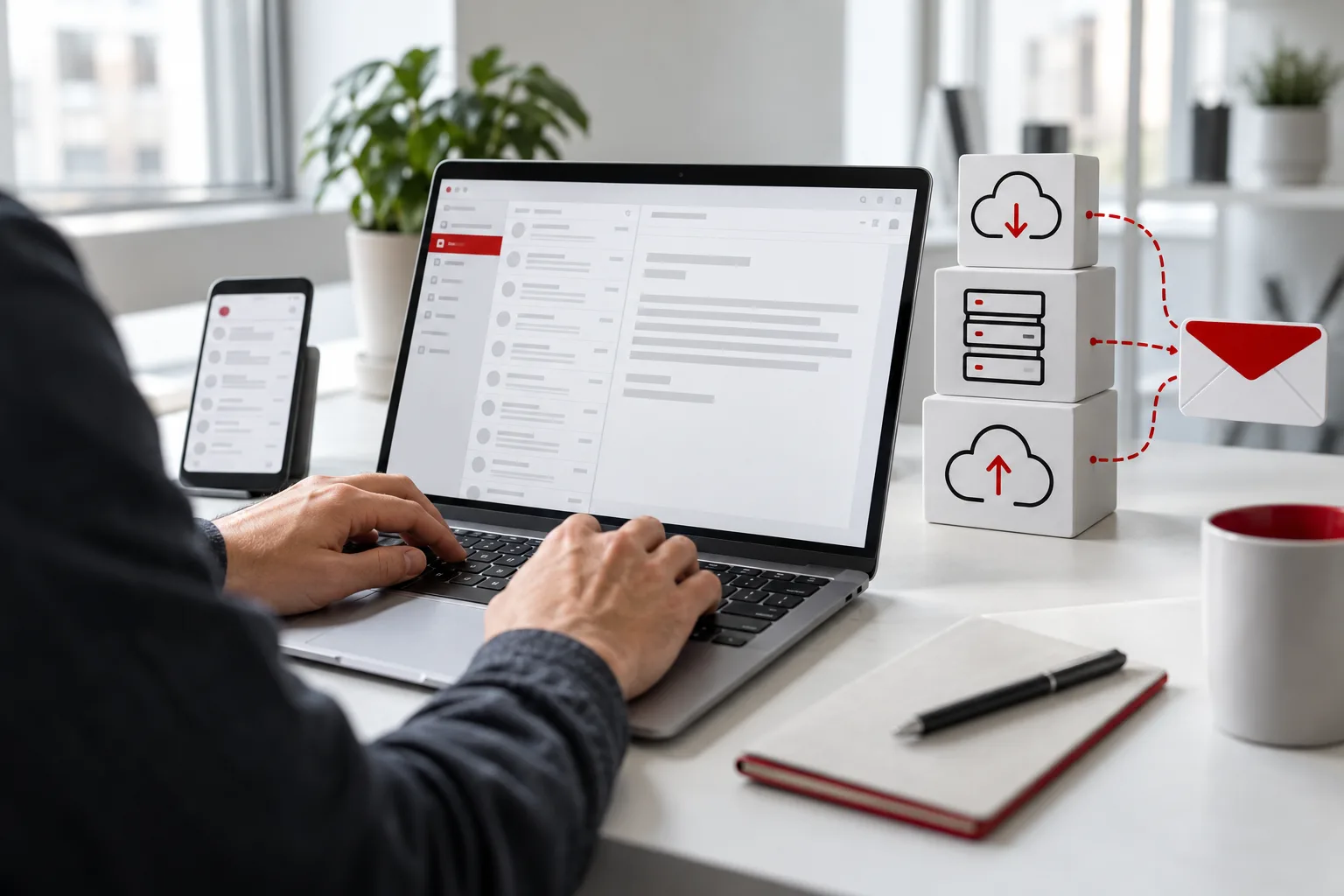
- Set up your devices – PC, smartphone, and tablet via IMAP (guide).
- Secure the sender – add SPF, DKIM, and DMARC records in DNS.
Mailbox or forwarding?
A mailbox stores emails on the server and is suitable for individuals and departments. Forwarding sends incoming emails to one or more other addresses without using storage – practical for functional addresses like info@ that multiple colleagues should read.
Security and organization
- One mailbox per person with individual password.
- Regularly check passwords and change immediately if compromised.
- Business emails considered commercial or official correspondence must be archived – plan for archiving.
- When employees leave, switch mailbox to forwarding instead of deleting immediately.
Email and data protection
Business emails often contain personal customer data. Therefore, ensure encrypted connections for sending and receiving, use secure passwords, and control who has access to which mailboxes. MYPOINT servers are located in the USA – if you process customer data by email, reflect this in your privacy policy and sign a data processing agreement with us.
Practical tips for daily use:
- A consistent email signature with company name, contact details, and website.
- Out-of-office replies with substitute contact to avoid missed inquiries.
- Shared mailboxes instead of shared passwords when multiple people respond.
Conclusion
Having your own email address is a small investment with a big impact on trust and deliverability. MYPOINT sets up your domain, mailboxes, and security records for you – contact us.