WordPress Maintenance: Properly Managing Updates, Backups & Security
Regular WordPress maintenance protects your website from security risks and downtime. Learn how to perform CMS updates, create backups, and check security.
 AI-generated image
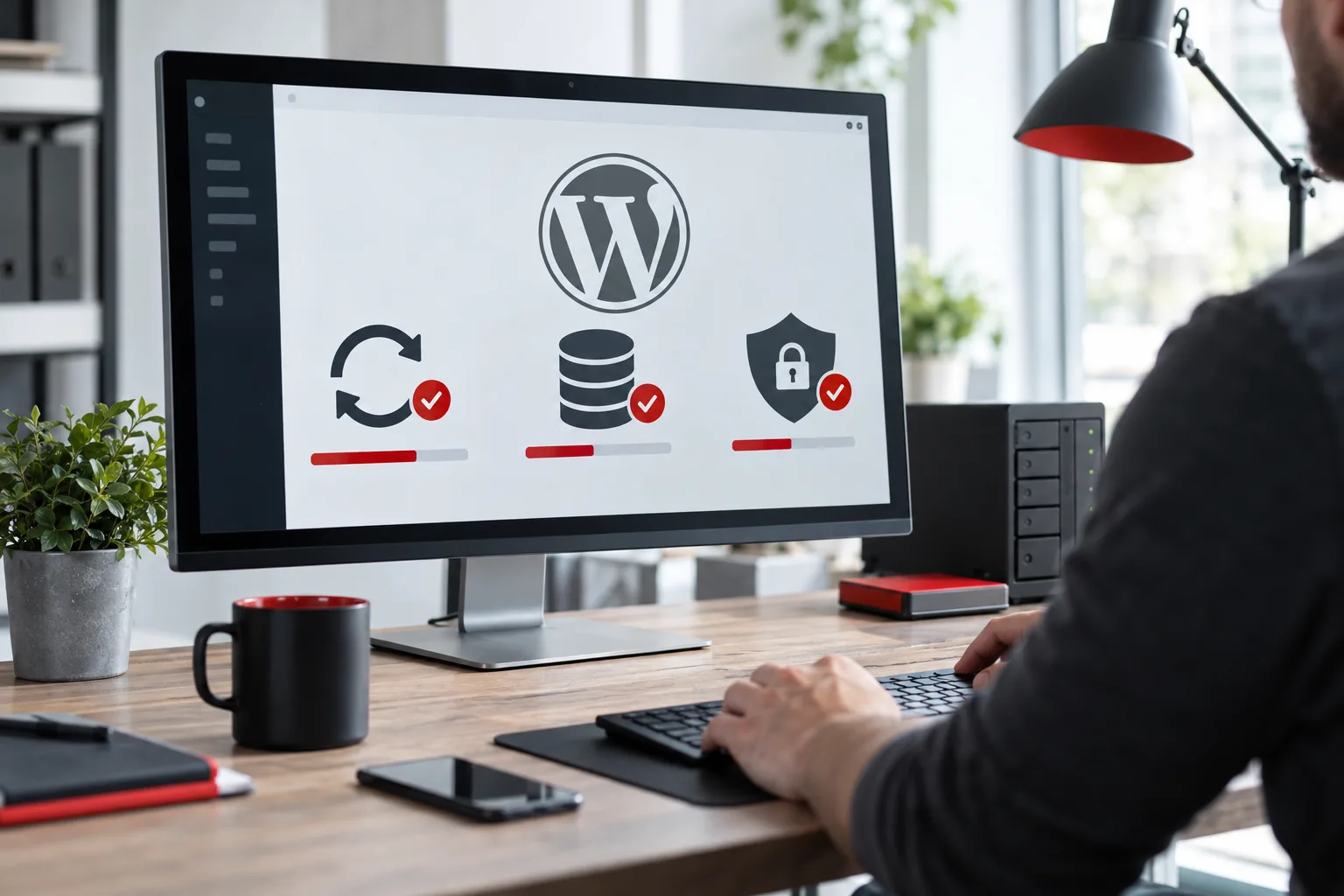
In short: Professional WordPress maintenance is essential for freelancers, small businesses, and organizations to keep their website secure and fully functional. Regular CMS updates, backups, and security checks prevent downtime, data loss, and hacking attacks.
- Regular updates close security gaps and improve features.
- Backups protect your data from loss due to errors or attacks.
- Security checks identify vulnerabilities and guard against malware.
- Typical WordPress update issues can be avoided with proper preparation.
- Maintenance costs depend on the scope and frequency of care.
Why is WordPress maintenance so important?
WordPress is the world’s most widely used content management system (CMS), powering over 40% of all websites. This popularity makes WordPress a prime target for hackers. Security studies show that about 90% of hacked CMS websites are WordPress sites, mostly due to outdated software.
Without regular maintenance, security vulnerabilities can arise that attackers exploit to steal data or disable the website. Additionally, an outdated WordPress installation often leads to technical issues, poor performance, and a negative user experience. For freelancers, small businesses, and organizations, the website is often the most important digital business card. From our experience at MYPOINT, regular maintenance reduces downtime by up to 90% and prevents unexpected costs from data loss or recovery.
How do you perform CMS updates?
Regularly performing WordPress updates is a key part of WordPress maintenance. Updates close security gaps, improve performance, and add new features. Here’s a systematic approach:
- Create a backup: Before any update, create a full WordPress backup including all files, the database, and configuration.
- Test updates: Use a staging environment to test updates in advance and avoid WordPress update problems.
- Update plugins and themes: Update not only the WordPress core but also all installed plugins and themes, as these often contain security vulnerabilities.
- Check compatibility: Ensure all components are compatible to prevent malfunctions.
At MYPOINT, we handle website maintenance & support including updates and backups, so you can focus on your core business.
How do you create a secure WordPress backup?
Backups are your most important safeguard against data loss caused by technical errors, hacking, or user mistakes. Key points include:
- Complete backup: Secure all WordPress files, the database, and configuration.
- Automation: Use plugins or hosting services that perform automatic backups at least daily or weekly.
- External storage: Store backups externally, e.g., in the cloud or on a separate server, to be protected in case of server failure.
- Regularity: Depending on update frequency, backups should be done at least weekly, preferably daily.
MYPOINT offers daily backups with monitoring as part of the Managed Server S and other hosting packages to ensure maximum security.
What does a CMS security check include?
A comprehensive CMS security check involves several measures to identify and fix vulnerabilities:
- Checking for outdated WordPress versions, plugins, and themes.
- Reviewing user permissions to avoid unnecessary administrator rights.
- Analyzing password policies and recommending strong passwords.
- Scanning for malware and suspicious activities using specialized tools.
- Configuring firewalls and security plugins like Wordfence or iThemes Security.
- Securing the login area with measures such as two-factor authentication.
Regular security checks significantly reduce the risk of hacking and data loss and are a central part of WordPress maintenance.
What WordPress update problems can occur and how to avoid them?
Various problems can arise when updating WordPress that may affect your website:
- Incompatibility of plugins or themes with the new WordPress version.
- Faulty database connections caused by incomplete updates.
- Update interruptions due to server timeouts.
- Data loss if no backup was created before updating.
To avoid these issues, we recommend:
- Always creating a full WordPress backup before updating.
- Testing updates first in a staging environment.
- Using only plugins and themes that are regularly maintained and compatible with the current WordPress version.
How much does WordPress maintenance cost?
WordPress maintenance costs depend on the scope of services and frequency of care. Typical services include:
- Regular updates of WordPress core, plugins, and themes.
- Backup creation and restoration.
- Security checks and monitoring.
- Support and troubleshooting.
MYPOINT offers various maintenance packages tailored to the needs of freelancers and small businesses:
- Maintenance Basic: Monthly updates, weekly backups, uptime monitoring, 20 minutes of content maintenance.
- Maintenance Pro: Weekly updates, daily backups, security monitoring, 90 minutes of content maintenance, and monthly reports.
Prices vary depending on the package and individual requirements.
What tips help beginners with WordPress maintenance?
- Set fixed maintenance intervals, e.g., monthly or weekly, to ensure security and functionality.
- Use reliable and proven plugins for backup and security.
- Document all maintenance steps and changes to keep track.
- Never perform updates without a prior backup.
- Choose hosting with good support and automatic backups, such as Hosting Classic or higher.
| Maintenance Area | Recommended Frequency | Key Actions |
|---|---|---|
| WordPress Updates | Weekly to monthly | Update core, plugins, themes |
| Backup | Daily to weekly | Complete backup, external storage |
| Security Check | Monthly | Malware scan, permission review, firewall setup |
| Performance & Monitoring | Continuous | Monitor uptime, check load times |
With structured and regular WordPress maintenance, you ensure your website’s stability and security in the long term.
FAQ about WordPress Maintenance
- How often should I perform WordPress updates?
Updates should ideally be done weekly or at least monthly to quickly close security gaps and keep the website stable. - What is the best way to create a WordPress backup?
A complete backup including files and database should be regularly automated and stored externally, for example via plugin or hosting service. - How do I detect security vulnerabilities in my WordPress CMS?
Regular security checks with malware scans, user permission reviews, and updates help identify vulnerabilities early. - What can I do if a WordPress update causes problems?
First restore the backup, then test updates in a staging environment and only use compatible plugins. Consider professional help if needed. - Are WordPress maintenance costs high?
Costs vary depending on maintenance scope and provider. For small businesses, affordable packages with regular updates and backups are often sufficient. - Can I handle WordPress maintenance myself?
Yes, with some technical knowledge you can perform updates and backups yourself. However, professional support is recommended for comprehensive security and time savings.
Conclusion
Regular WordPress maintenance with updates, backups, and security checks is essential to protect your website from downtime, data loss, and attacks. For freelancers, small businesses, and organizations, this is an important investment in your digital presence. MYPOINT is happy to support you both consultatively and operationally with professional website maintenance.
Contact us for personalized advice or a suitable maintenance package at Contact. Also explore our hosting offers like Hosting Classic for a secure and powerful foundation for your WordPress website.
Frequently asked questions
How often should I perform WordPress updates?
What is the best way to create a WordPress backup?
How do I detect security vulnerabilities in my WordPress CMS?
What can I do if a WordPress update causes problems?
Are WordPress maintenance costs high?
Can I handle WordPress maintenance myself?
wordpress maintenancecms updateswordpress backupwordpress security checkcms security auditwordpress update issueswordpress maintenance costs