
How to Correctly Prepare Print Data: Checklist for Bleed, CMYK & 300 dpi
Discover how to correctly prepare print data to achieve professional print results. This checklist guides you through bleed, CMYK color space, and 300 dpi resolution.
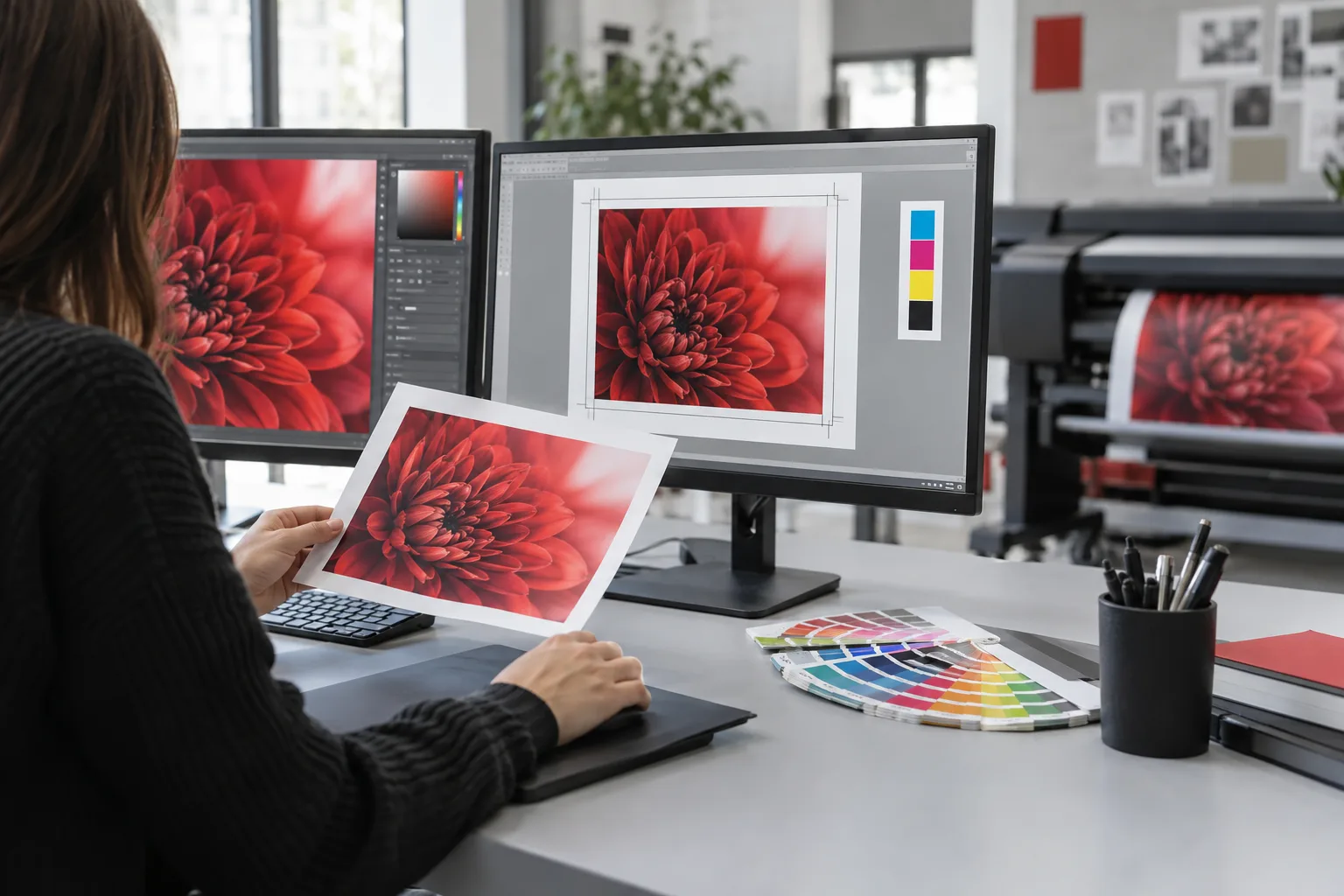 AI-generated image
In short: Correctly preparing print data is crucial for a high-quality printed product. When preparing your print data, pay attention to proper bleed, the CMYK color space, and a resolution of at least 300 dpi to avoid color shifts and blurry prints.
- Plan a bleed allowance of at least 3 mm
- Create print data in the CMYK color space
- Use a resolution of at least 300 dpi
- Embed fonts or convert them to outlines
- Prefer PDF/X-3 or PDF/X-4 as output formats
Why is it important to correctly prepare print data?
Correctly preparing print data is the foundation for error-free and professional print results. Faulty print data can lead to color deviations, bleed issues, or blurry images, causing rework, delays, and additional costs. Proper preparation ensures the final product meets your expectations and allows the print shop to work smoothly.
How do you set up bleed correctly?
Bleed ensures that no unprinted white edges appear on your printed product. Since small tolerances occur during cutting, a bleed allowance is necessary.
- Bleed allowance: Plan at least 3 mm extra on all sides beyond the final format.
- Content in bleed: Background colors, images, or graphics should extend into the bleed area to compensate for cutting deviations.
- Important elements: Place text, logos, and key graphics at least 5 mm away from the final trim edge to avoid being cut off.
Example: For a business card sized 85 × 55 mm, the file should be 91 × 61 mm (85 + 3 + 3 mm width, 55 + 3 + 3 mm height).
What does CMYK color space mean for print data and why is it important?
The CMYK color space (Cyan, Magenta, Yellow, Key/Black) is the standard color space for four-color printing and differs from the RGB color space used for screens.
- Color accuracy: Colors in CMYK better represent the actual print result.
- Color conversion: RGB colors must be converted to CMYK before printing to avoid color shifts.
- Color management: Work with calibrated monitors and appropriate color profiles for the best results.
Setting your print data correctly in the CMYK color space is essential for consistent and professional print results.
What is the ideal resolution for print data and why 300 dpi?
Resolution indicates how many pixels per inch (dpi = dots per inch) an image contains. For high-quality printing, a minimum resolution of 300 dpi applies.
- Sharp details: Images at 300 dpi are clear and detailed.
- Avoid quality loss: Lower resolutions result in pixelated and blurry prints.
- Large format printing: For large prints, a lower dpi may be sufficient; follow the print shop’s guidelines.
Make sure your image files meet this resolution before submitting print data to the print shop.
What other steps are important to correctly prepare print data?
Besides bleed, CMYK, and resolution, other key factors help optimize your print data preparation:
- Fonts: Embed fonts or convert them to outlines to avoid font errors.
- Colors: Avoid using RGB or spot colors unless specifically agreed upon.
- PDF export: Use PDF/X-3 or PDF/X-4 as output formats, as these comply with print standards.
- Overprint (trapping): Set overprint to prevent white edges at color transitions.
- Check: Review your print data with a preflight tool before sending.
How do I check if my print data is correct?
Checking your print data before sending it to the print shop is crucial to avoid errors. Use preflight tools that check the following:
- Presence of bleed allowance
- Color space (CMYK instead of RGB)
- Image resolution (at least 300 dpi)
- Embedded or outlined fonts
- Correct PDF standards (PDF/X-3 or PDF/X-4)
A thorough check saves rework and delays in the printing process.
Checklist: How to correctly prepare print data
| Checkpoint | Recommendation |
|---|---|
| Bleed | At least 3 mm on all sides |
| Color space | CMYK, no RGB |
| Resolution | At least 300 dpi |
| Fonts | Embedded or converted to outlines |
| PDF format | PDF/X-3 or PDF/X-4 |
| Overprint | Properly set for color transitions |
| Check | Preflight check before submission |
With this print data checklist, you are well prepared to correctly prepare your print data and get it ready for printing.
Which mistakes should you avoid when preparing print data?
- No bleed or insufficient bleed
- Wrong color space (RGB instead of CMYK)
- Low image resolution below 300 dpi
- Fonts not embedded or not converted to outlines
- Incorrect PDF format or incomplete PDF settings
- Missing overprint on color transitions
These mistakes often lead to poor print results or delays in production.
How can MYPOINT support you in correctly preparing print data?
As an experienced service agency from Durmersheim, we offer comprehensive support in preparing your print data. Whether design, prepress, or printing – we provide expert advice and help you correctly prepare your print data. Take advantage of our business card printing or flyers & brochures services for professional print products.
For your website or online presence, we also recommend our Hosting Classic packages for reliable web hosting with servers located in the USA.
FAQ about correctly preparing print data
- What happens if bleed is missing in print data?
Without bleed, white edges can appear on the printed product after cutting, which looks unprofessional. - Can I send RGB data directly for printing?
No, RGB data must be converted to CMYK because printing machines work with CMYK, and otherwise color shifts often occur. - Why is 300 dpi the recommended resolution for print data?
300 dpi ensures sufficient detail and sharpness in print so that images do not appear pixelated or blurry. - How large should the bleed be for flyers?
A bleed allowance of at least 3 mm on all sides is recommended for flyers. - What does PDF/X-3 mean and why is it important?
PDF/X-3 is a print-standard PDF format that guarantees color and font settings for professional printing. - How can I check if my print data is correct?
Use a preflight tool to check your print data for errors like missing bleed, wrong color spaces, or fonts not embedded. - Which file formats are best suited for print data?
PDF/X-3 and PDF/X-4 are preferred formats because they meet print standards and are supported by most print shops. - How do I avoid color deviations in printing?
Work in the CMYK color space and use calibrated monitors with appropriate color profiles. Avoid using RGB colors directly for print data. - What is overprint and why is it important?
Overprint ensures that no white lines appear at color transitions when print colors are slightly misaligned. - How can I secure fonts in print data?
Fonts should be either embedded or converted to outlines to ensure they print correctly and avoid font errors.
Conclusion
Correctly preparing print data is key to achieving high-quality print results. Pay attention to bleed, CMYK color space, and a resolution of 300 dpi to ensure color accuracy, sharpness, and precise alignment. Careful preparation saves time and costs during printing and results in a professional outcome.
If you need support with print preparation or design, feel free to contact us. We provide expert advice and help you optimally prepare your print data for printing. Also, take advantage of our offers like business cards or flyers & brochures for high-quality print products.
Frequently asked questions
What happens if bleed is missing in print data?
Can I send RGB data directly for printing?
Why is 300 dpi the recommended resolution for print data?
How large should the bleed be for flyers?
What does PDF/X-3 mean and why is it important?
How can I check if my print data is correct?
Which file formats are best suited for print data?
How do I avoid color deviations in printing?
What is overprint and why is it important?
How can I secure fonts in print data?
correctly prepare print datableedCMYK color space300 dpi resolutionprint preparationprint checklist