
Guides · Graphic Design & Layout
Preparing Print Data Correctly: Bleed, Resolution, and CMYK
White edges, pixelated images, off colors? Follow these basic rules for bleed, resolution, and color space to get your print data right the first time.
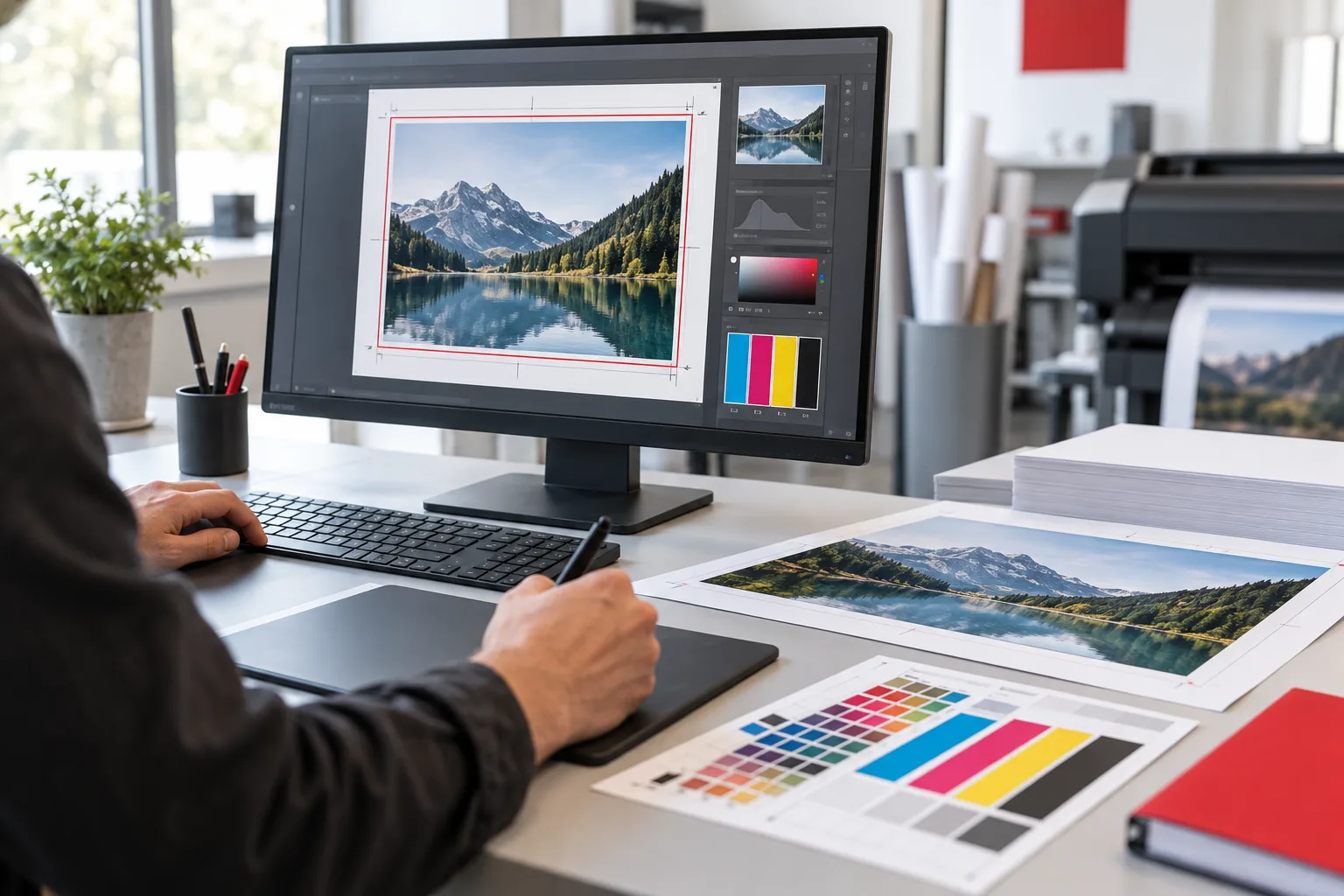 AI-generated image
In brief: Print-ready files include a bleed allowance of usually 2–3 mm all around, maintain a safe margin for text from the edge, use images at about 300 dpi at final size, are created in the CMYK color space, and are delivered as PDFs—ideally in the PDF/X standard—with embedded fonts.
- Bleed: Extend backgrounds 2–3 mm beyond the edge.
- Safe margin: Keep important content at least 3–5 mm from the edge.
- Resolution: About 300 dpi at final size.
- CMYK color space, embedded fonts, PDF/X format.
Bleed and Safe Margin
Cutting involves slight tolerances. If a colored background only reaches exactly to the edge, white "flash" edges can appear. Therefore, backgrounds and images that run to the edge should extend beyond the final format—this is the bleed allowance. Conversely, texts and logos should keep a margin from the edge to avoid being cut off.
| Example | Final Size | File Size with 2 mm Bleed |
|---|---|---|
| Business Card | 85 × 55 mm | 89 × 59 mm |
| Flyer DIN A6 | 105 × 148 mm | 109 × 152 mm |
| Flyer DIN A5 | 148 × 210 mm | 152 × 214 mm |
| Flyer DIN A4 | 210 × 297 mm | 214 × 301 mm |
The exact bleed allowance may vary depending on the product—we will gladly provide this information in advance.
Resolution: Why 300 dpi?
Screen images often have only 72 dpi and appear blurry in print. For high-quality print materials, photos should have about 300 dpi at the final print size. For large formats viewed from a distance—such as posters or billboards—a lower resolution is often sufficient. Upscaling an image afterward does not improve quality.
Color Space: RGB or CMYK?
Screens mix colors from light (RGB), while printers mix colors from inks (CMYK). Very bright RGB colors cannot always be reproduced exactly in print. Therefore, create print data in CMYK and use the color values from your corporate design. For precise brand colors, special inks are available, for example in textile or offset printing.
Fonts, Lines, and Black
- Embed fonts in the PDF or convert them to outlines.
- Avoid hairline strokes—lines should be at least about 0.25 pt thick.
- Small black text should be pure black (K 100%) to remain sharp.
- Large black areas can appear richer with a "rich black"—ask for the recommended color build-up.
Checklist Before Upload
- Are final size and bleed allowance correct?
- Are texts and logos within the safe margin?
- Are images at sufficient resolution?
- Is the color space CMYK?
- Are fonts embedded?
- Is the PDF exported as PDF/X and are all pages in the correct order?
- Have spelling and phone numbers been checked one last time?
Special Cases: Folded Products and Finishes
Folded flyers don’t always have equally wide pages—for example, in a roll fold, the inner page is narrower. Use appropriate templates for these. For finishes like spot varnish or hot foil stamping, a separate printing plate is usually required, often as a separate layer or spot color in the file. Ask about the requirements in advance to ensure the data fits perfectly the first time.
Conclusion
Well-prepared data saves time, questions, and money. If you’re unsure, MYPOINT can check your data or handle the entire design including prepress—for business cards, flyers, or brochures. More about Print & More.