Printing Brochures: Binding, Page Count, and Paper
Image brochures, product catalogs, or club booklets: We explain binding types, what to consider for page count and paper, and how to plan your content.
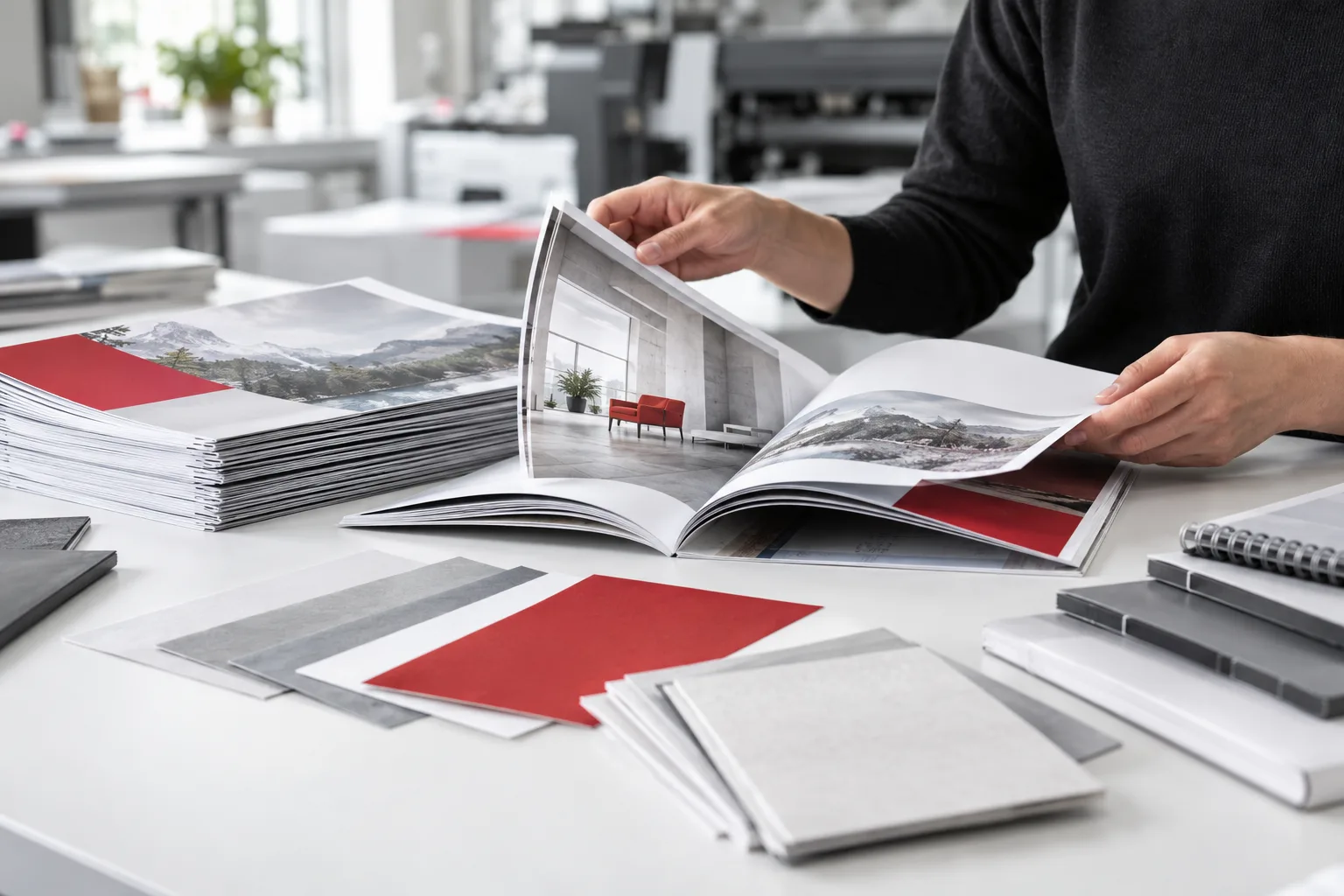 AI-generated image
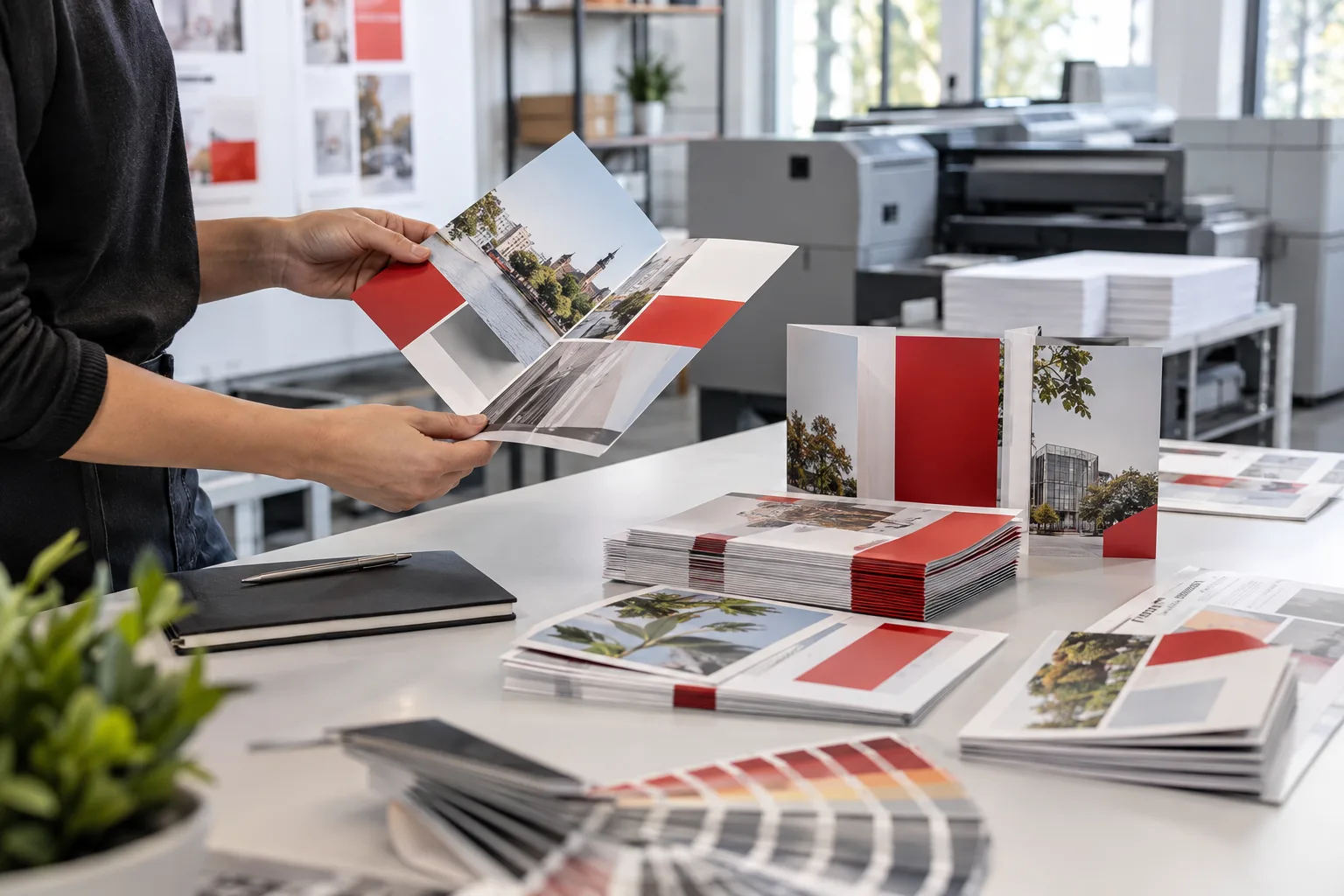
Print brochure, in short: Brochures up to about 48–64 pages are usually bound with saddle stitch binding (staples in the fold); the page count must be divisible by four. Larger catalogs receive a perfect binding with a flat spine. For the cover, a thicker paper than the inside pages is recommended.
- Saddle stitch binding: affordable, lies flat, for fewer pages.
- Perfect binding: premium look, printable spine, for many pages.
- Plan page count divisible by 4 for saddle stitching.
- Structure content first, then design.
Comparison of Binding Types
| Binding | Suitable for | Features |
|---|---|---|
| Saddle Stitch Binding | Image brochures, club booklets, programs | Page count divisible by 4, lies flat |
| Perfect Binding | Catalogs, annual reports, extensive works | Flat spine, printable |
| Wire-O Binding | Calendars, manuals, training materials | Can be opened fully flat |
| Sewn Binding | Especially durable books | Very robust, more complex |
Why Must the Page Count Be Divisible by 4?
With saddle stitch binding, each sheet is folded in the middle, creating four pages. Therefore, a brochure has 8, 12, 16, 20 … pages. Plan your content accordingly – leaving a blank page for notes or an extra image page are elegant solutions.
Paper for Cover and Inside Pages
- Cover: thicker paper, optionally with finishes like matte lamination.
- Inside pages: matte coated paper for good readability, glossy for image-heavy catalogs.
- Natural paper: pleasant feel, ideal for text and sustainable brands.
How to Plan Content for Printing a Brochure
- Define goal and target audience: inform, sell, attract members?
- Create structure and determine page count.
- Write texts and collect print-quality images.
- Design in corporate style (learn more).
- Proofread – ideally by a second person.
- Check print data (checklist) and approve.
Tips for a Convincing Brochure
- Strong cover image and clear title.
- Table of contents from about 12 pages.
- Consistent page layout with design grid.
- Contact details and QR code on the back cover.
- For catalogs: clearly assign product numbers and prices, specify validity date.
Connecting Print and Online
A printed brochure has lasting impact because it can be held and kept. Connect it with your online presence: QR codes link to product pages, videos, or contact forms. Also provide the brochure as an accessible PDF on your website. This way, you reach those who prefer digital reading and improve search engine visibility.
Conclusion
Binding, page count, and paper should be decided early – this saves later changes. MYPOINT supports your brochure from design through prepress to the finished product. Request now.